Manual Sections
Database
Important notice: Due to recent releases, you may find some of the contents of this online manual, including the video tutorials, to be outdated. Specifically, it's important to note that the current Mac version of PokerSnowie does not yet contain all the features, since the Hands Import and Hand Range are not yet implemented. However, our team is working on it. We are also currently in the process of updating these materials. In the meantime, you can get a more accurate description of PokerSnowie's features on the various platforms by visiting the Downloads page and try out the software.
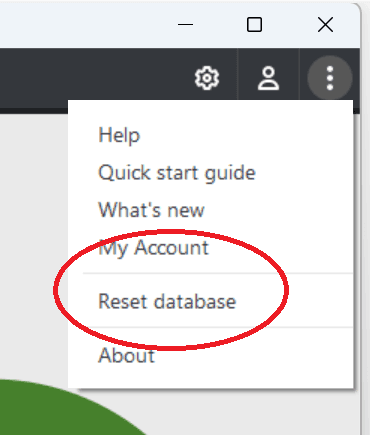
It is possible to reset your entire PokerSnowie database. You can access this function from the main application window. You might wish to do this if there is a corruption in your data, or you simply wish to reset your all your hands and statistics.
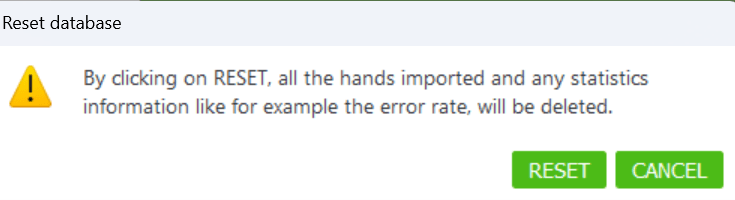
Warning: please be aware that your database file is stored locally on your device. This means that once you choose to ‘Reset database’ all your stored hands and statistics will be permanently erased. There is no undo option once a reset has started.
After confirming that you wish to proceed the process make take some time, depending on the size of your database, please do not close PokerSnowie until the reset process has fully completed.